
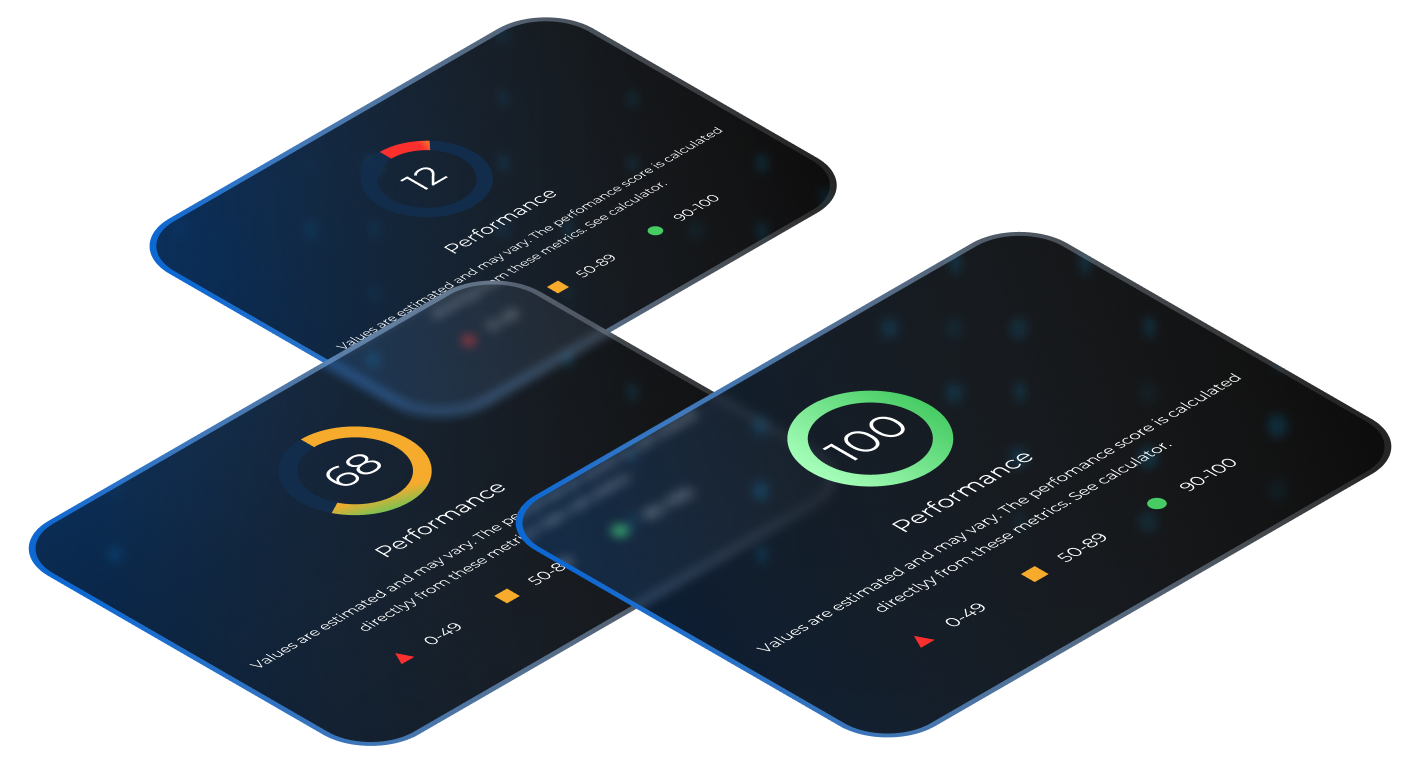
How to Rapidly Grow your Shopify Conversion, Sales, and Average Orders
+8.4%
conversion rate
+9.2%
average order value
DataSub recommends these 10 steps to optimize your Shopify platform:

Add store features to improve overall shopping experience
Adding unique store features is important for brand recognition and differentiation, as well as simplifying a customer's overall shopping experience. However, when designing and adding features, functions, and apps, speed must be a critical consideration.
Optimize your mobile speeds
Mobile ecommerce is projected to grow at a significantly faster rate than its desktop counterpart. Therefore, it is critical to adopt a mobile-first strategy.
Staying competitive in the ecommerce marketplace requires the optimization of your site’s mobile speeds and continuously monitoring the speed of your key pages.
Research shows that if pages load slow or lag while a customer is shopping online, your customer will get frustrated and leave your site. The result will be that you will lose customers to a competitor’s site which is faster and better optimized.
According to Google’s mobile page speed study, a site’s bounce rate increases for every second it takes a page to load. As a result, increasing speed will increase your sales!
Deloitte Digital’s study “Milliseconds Make Millions” demonstrates how improvements in mobile site speed should be prioritized as a key performance metric, and have a significant effect on a brand’s bottom line.
A bright-line rule for ecommerce services has always been and continues to be that faster is better! According to Deloitte’s study, mobile site speed can influence every step of your customer’s experience, and ultimately increase your site’s conversion rates. Improvement in mobile site speed, has been shown to improve a number of important metrics including:
- number of page views
- conversion rates, and average order value
Research shows that a mere 0.1 second improvement in mobile website load time, reflects an 8.4% increase in conversions and a 9.2% increase in average order value.

To improve your store’s mobile load times, you need a developer who can upgrade your site without having to take it offline. The right developer should be able to clone or duplicate your store, so that optimization can be completed in a safe manner while your store remains operational.
In addition, cloning your store also allows the developer to frequently test optimization and continue development until the optimization is completed.
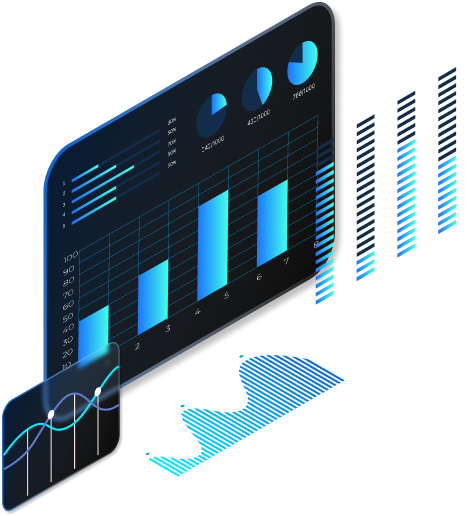
A competent developer will perform a detailed analysis of your website’s components (most importantly JavaScript) and create an action plan unique to your store and its needs.
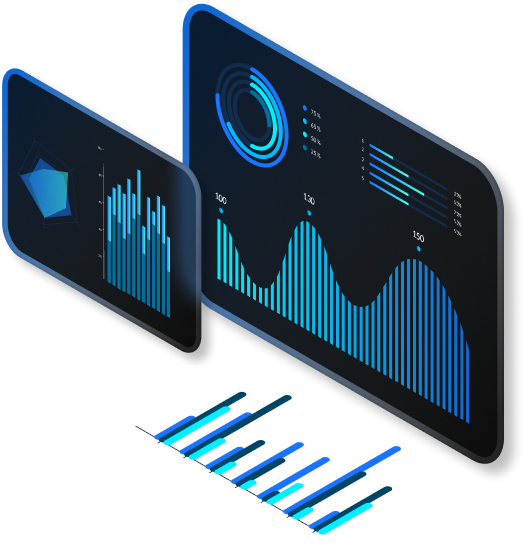
The average mobile web page weighs approximately 1.9 MB. Images account for 50% to 75% of the weight of a webpage. When a webpage contains images that are not optimized, this can greatly reduce site speed. Some of the ways images can be optimized include:
- reducing the number of images
- consolidating images and icons
- reducing the sizes for large images
- compressing images
- replacing GIFs with static images
- decreasing thumbnail image sizes
- using lazy loading images to defer loading of non-critical resources during page load time.

Utilizing asynchronous or deferred load features
An experienced developer will work with you to review and modify these scripts so they load asynchronously or are deferred. This also applies for sites that use JavaScript. Your developer should test your third-party JavaScript to ensure it is still providing the same user experience.
Limit Third-Party JavaScript from Shopify Apps
Before a browser can display a webpage, it must first be parsed, that is analyzed and converted into an internal format such as a JavaScript engine within your browser.
Parsing can slow your webpage speed and reduce optimization. There are parser-blocking scripts which can interrupt this process.
Generally, problematic scripts are related to third-party Shopify apps. A knowledgeable developer can identify and review these apps and either replace or exclude them.
Each installed app must be carefully reviewed to identify whether it can be easily uninstalled to optimize site speed without compromising user experience. Most script/CSS files for apps are injected into the “<head>” of your theme, which is a serious issue for page speed. DataSub recommends reviewing and removing unnecessary apps that shoppers rarely use, while unblocking the most functional apps.

One of the key features of Google Tag Manager is the asynchronous load of all tracking codes. In other words, this means that the tracking codes will not block the page load and will have minimal impact on page speed. DataSub recommends a “tag migration” process in order to move some or all of your tracking codes to Google Tag Manager. It is also important to test each tag to make sure they are working properly.

Shopify themes can have an impact on page speed. Choosing a fast theme can provide immediate performance benefits.
The lightweight themes take about one second for First Contentful Paint (FCP) (when the page first links over) and less than eight seconds for Time to Interactive (TTI) (when the page is reliably ready for user activity).
Before replacing your existing themes to optimize speed, your developer should review each feature in the new theme and make a comparison with the existing theme in order to determine whether switching would be of benefit.
DataSub streamlines this process by replacing the existing theme with a new faster theme which is then customized to incorporate the most important features from the previous theme.

Cleaning up includes:
- reviewing and removing poorly coded html, CSS, and JavaScript
- adding Shopify whitespace controlling tags
- reducing and eliminating page redirects and broken links.

Complete quality control review for the final cloned “development” store version to ensure it is free from bugs and issues. Launch the new optimized site, after the quality control analysis review is completed.

Complex ecommerce features usually require apps or tracking script installation. However, some features can be directly incorporated into your store theme to improve overall performance.
Each feature incorporated will involve a retest of site speed to verify that the newly optimized website is still performing optimally.
DataSub recommends the following additional options:
- Utilize Shopify checkout settings “guest checkout” with “accounts are optional” for customer accounts setting.
- Provide personalized recommendations.
- Offer product bundles and volume discounts.
- Maximize remarketing features to target specific customers.
- Provide limited time offers.
- Integrate live chat software.
- Grow customer reviews.
- Follow up on abandoned carts with email and message marketing.
- Integrate the “notify me” feature for out-of-stock items.
- Utilize pop-up windows to display a product in “quick view” directly from the product listings page, and save customers’ time.
- Add a one-click button to purchase a product.
- Do not redirect to a shopping bag. Allow the customer to see a pop-up if a product is added to the shopping bag.
- Add a light home page slider into the theme instead of installing an app.
- Include a free shipping bar (dynamic or static).
- Integrate product recommendations.
- Use trust badges and highlight your return/refund policy.
- Make menu improvements.
- Create an exit popup.
- Utilize predictive search as well as other search improvements.
- Focus on advanced collection filtration (but be aware of the impact on load times).
- Search improvements and collections (categories) filtration.
- Add a preorder option.
- Ingrate a Wishlist function.
- Offer flash sales to raise conversion.